


AI VIDEO GENERATOR
Instantly convert your documents, web pages, and scripts into professional-quality videos.

What if your content became videos?
Produce more videos, faster and independently
Faster, more efficient, and fully controlled video production

All your content can become videos
Document → video
Turn your PDFs, PowerPoint presentations, or Word documents into educational videos.
Image → video
Describe your needs and upload your visuals to create engaging videos.
Web page → video
Convert your articles or web pages into ready-to-share videos.
Script → video
Write or paste a script to generate a complete video in seconds.
How to generate a video
from a document or URL?
The 3 steps to transform a document into a video
Describe your video needs
Explain your objective in a few words or upload your content directly: PDF, PowerPoint, Word document, web page, or visuals.
AI automatically analyzes your content, identifies key information, and structures your message. Within seconds, it generates a clear script and a ready-to-use storyboard.
You start from your existing content to create a coherent video—without having to write or structure it manually.

Customize your video
Choose your graphic template and automatically apply your brand guidelines: colors, typography, and visual styles.
Artificial intelligence adapts visuals and sequences based on your content. You can keep your existing elements or let the AI generate new ones, then add an AI avatar and AI voice to bring your message to life.
You get a fully customized video, consistent with your brand identity and ready to be finalized in just a few clicks.

Generate and finalize your video
Generate a first version of your video in seconds based on the storyboard created by AI.
You can then edit the script, adjust visuals, enhance sequences, or refine the editing in the 2Emotion studio to achieve a result perfectly aligned with your message.
Your video is then ready to be shared on your e-learning platforms, your website, or your social media channels.

A video solution tailored to every business function

Formation
- Training materials (PPT, PDF) turned into video modules
-
Training scripts illustrated and explained in video
👉 More engaging and easier-to-retain training

Customer Success
- Customer onboarding journeys presented in video
-
Product tutorials and step-by-step support videos
👉 Better-supported and more autonomous customers

Human Resources
- Onboarding guides turned into welcome videos
-
Internal policies and regulations explained in video
👉 Messages better understood and actually viewed
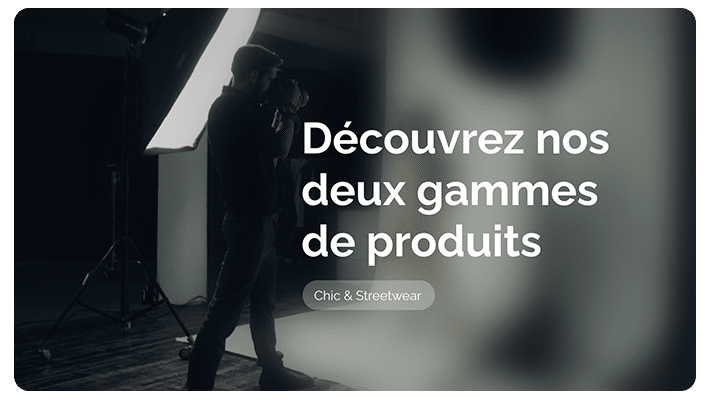
Marketing & Communication
- Product pages turned into explanatory videos
- Blog articles repurposed into social media videos
👉 More impact, visibility, and engagement
An AI-generated video,
fully customizable
Bring your videos to life
with AI avatars
Choose your presenter from over 120 AI avatars (realistic, animated, or 3D).
They introduce your video, present key points, and add a human touch to your message.

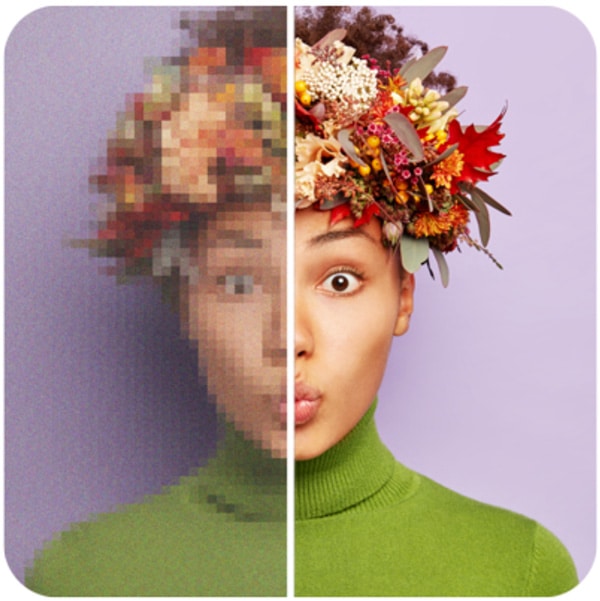
Generate and edit content with the AI Creative Suite
At any stage of the creation process, use the AI Creative Suite to refine your video:
generate visuals, edit text, create music…
Your video improves in just a few clicks—without starting from scratch.
Finalize your video in the 2Emotion Studio
Want to go further with customization?
Open your AI-generated video in the 2Emotion editing studio and adjust every detail:
sequence composition, transitions, cuts…
Combine the speed of AI with the power of a professional video studio.

Ready to try 2Emotion?
Want to speed up your video production? Try 2Emotion for free or book a demo with one of our experts.
Questions about AI video generation?
To transform a document into a video with 2Emotion, simply upload your file, describe your needs in the prompt, and let the AI analyze the content.
The AI video generator automatically creates a video including a script, storyboard, sequences, narration, and an AI avatar. You can then finalize the video in the 2Emotion studio.
Yes, it is possible to convert a URL into a video.
With 2Emotion, you can start from a blog article, product page, or any web page to automatically generate a video. The AI extracts key information, structures the message, creates a storyboard, and prepares a first version of the video, which you can then finalize.
With the 2Emotion AI video generator, you can start from multiple types of static content:
-
Documents: PPT, PDF, DOC, TXT
-
Images: PNG, JPEG
-
Web page URLs or simple prompts
You can also combine multiple types of content, such as a DOC script with images.
The 2Emotion AI video generator allows you to create a wide range of professional video formats from existing content:
-
Explainer videos
-
Training tutorials
-
Product videos
-
HR onboarding videos
-
Educational videos
-
Presentation videos
From a document, PDF, URL, images, or text, the tool prepares a first version of the video that you can then customize as needed.
2Emotion is a video generation platform designed for businesses because it:
-
Integrates your brand identity by default
-
Generates branded visuals
-
Offers custom AI avatars aligned with your brand
-
Allows human control at every step
-
Is GDPR compliant and EU AI Act compliant
This combination of security, AI generation, and video studio capabilities makes 2Emotion particularly professional for demanding companies.
Yes. The experience is designed for non-expert teams:
You start from a document, URL, images, or text, the AI generates a first version, then you customize and finalize.
2Emotion provides ready-to-use templates, a simple mode for beginners, and a guided process.
2Emotion provides a security and confidentiality framework aligned with professional use.
The company states that it:
-
Is GDPR compliant
-
Has an AI charter
-
Hosts customer data in data centers located in France
-
Encrypts data and data flows
Yes—and this is one of 2Emotion’s key strengths.
Once the first video is generated, you can:
-
Edit the script
-
Change visuals
-
Adjust narration
-
Add an AI avatar
-
Rework the structure
-
Refine every detail (sequences, composition, transitions, cuts…)
With 2Emotion, human editing remains central to the process, thanks to the combination of generative AI and a full-featured video editing studio.